
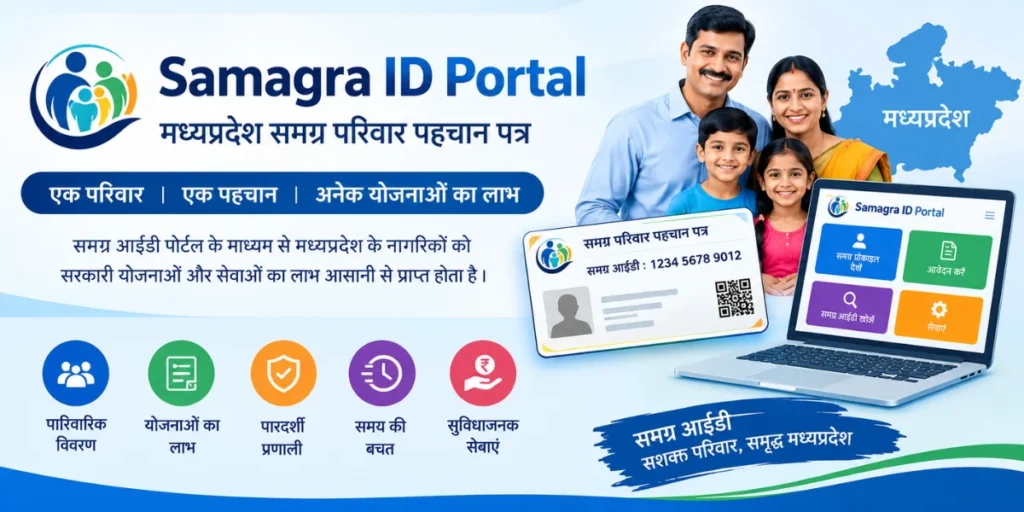
The Samagra ID Portal is an important online platform for residents of Madhya Pradesh, India. It helps maintain digital records of families and individual members and supports the identification of beneficiaries for various government schemes and services. Citizens can use the portal to access their Samagra ID details, check family information, and explore available services without visiting an office for every basic inquiry.
Whether you want to find your family Samagra ID, check your member ID, download available records, or understand how to correct personal information, knowing how the portal works can make the process easier. This guide explains the main features, benefits, search methods, and important precautions associated with the Samagra system.
What Is the Samagra ID Portal?
The Samagra ID Portal is the official online platform associated with the Madhya Pradesh government’s Samagra Social Security Mission. It maintains information about registered families and their individual members to support the delivery and administration of government services.
The portal helps connect family records with individual member information. Depending on the service and eligibility requirements, Samagra details may be needed when applying for scholarships, pensions, social assistance, or other government benefits.
The official website is:
Citizens should use this official website to search for Samagra ID information and access the services currently available. Other websites may publish informational guides, but they should not be confused with the official government portal.
Types of Samagra ID
The Samagra system generally uses two types of identification numbers. Understanding the difference is important because government forms may request one specific type.
1. Family Samagra ID
A Family Samagra ID is assigned to a registered family in the Samagra system. It connects the records of family members under a common family profile.
The family Samagra ID is generally an 8-digit number. It may be required when checking family information or completing applications for services that ask for family-level identification.
2. Member Samagra ID
A Member Samagra ID is assigned to an individual registered within a family. Each registered member has a separate identification number.
The member Samagra ID is generally a 9-digit number. It helps identify an individual within the Samagra system and may be requested for certain applications, verification procedures, or beneficiary-related services.
Always check whether a form requires a family ID or a member ID before entering your details.
How to Search for a Samagra ID Portal Online
If you have forgotten your Samagra ID or cannot find your old records, you can use the official website to explore the available search options.
Follow these steps:
- Open the official Samagra ID Portal at https://samagra.gov.in/.
- Look for the family ID or member ID search section.
- Select the appropriate search option according to the information you need.
- Enter the requested details, such as family information or other identifying information supported by the selected search method.
- Complete any verification steps shown on the website.
- Review the displayed results and check whether the family or member details match your records.
The exact names and placement of search options may change as the portal is updated. Follow the instructions currently displayed on the official website.
If you cannot find your details, check spelling and other information carefully before trying again. You may also contact the relevant local authority for assistance.
How to Download Samagra ID
Many users want to save their Samagra ID Portal information on a mobile phone or computer so they can access it later.
The availability of a dedicated download option depends on the record and service provided by the portal. You can follow this general process:
- Visit https://samagra.gov.in/.
- Open the relevant family or member information service.
- Search for your record using the required details.
- Confirm that the displayed name and other information are correct.
- If a download or print option is available, select it.
- Save the document on your device or print a copy for future reference.
If a direct PDF download option is unavailable, you may be able to use your browser’s Print function and select Save as PDF. This method depends on how the page is displayed and whether printing is supported.
Keep the downloaded information secure because it may contain personal details. Do not upload your documents to unfamiliar websites simply to obtain a copy.
How to Check Samagra Family and Member Details
The Samagra ID Portal can help users access registered information through its available search services. Checking these details periodically can help identify errors before they create difficulties during an application.
When reviewing a record, pay attention to:
- The spelling of the registered name.
- The family ID and individual member ID.
- The relationship between family members, where displayed.
- Other personal information available in the record.
- Whether the information matches your supporting documents.
If you notice a discrepancy, determine which official correction procedure applies to your record. Do not assume that every detail can be edited directly from the public search page.
Benefits of the Samagra ID Portal
The portal offers several practical benefits to citizens and government service providers.
1. Digital Access to Records
Users can search for available family and member information online instead of relying exclusively on physical documents.
2. Support for Government Schemes
Samagra details may be used to identify beneficiaries or verify information for eligible government schemes. However, possessing a Samagra ID Portal does not automatically guarantee approval for a benefit.
3. Assistance With Educational Services
Certain scholarship and education-related processes may require Samagra information for identification or verification. Students should check the specific requirements of their scholarship program.
4. Support for Social Security Services
Depending on the scheme, Samagra records may help with pension applications, social assistance, and other welfare-related administrative processes.
5. Convenient Record Management
Keeping a digital copy of available Samagra information can make it easier to retrieve the required details when completing an application.
The actual benefits and services available to a person depend on the applicable government program, eligibility rules, and current portal facilities.
How to Correct Errors in Samagra ID Details
Incorrect personal information can cause difficulties when applying for services. If you discover an error in your Samagra record, you should follow the official correction process.
Start by visiting the Samagra ID Portal and checking whether an online update or correction option is available for the specific information you want to change.
The general process is as follows:
- Open the official Samagra Portal.
- Find the relevant correction or update service.
- Read the instructions and determine which details can be corrected through that service.
- Provide the requested information and supporting documents, if required.
- Submit the request through the authorized process.
- Keep any acknowledgment or reference number provided.
Some changes may require verification by an authorized official or assistance from a local government office. Depending on the correction, you may need to contact your Gram Panchayat, municipal office, or another designated authority.
Do not submit false information or supporting documents. The information you provide should match your genuine records.
Common Problems With the Samagra ID Portal
Users may occasionally experience technical issues or difficulties locating their information. The following solutions may help.
Samagra ID Is Not Found
Check that you selected the correct search option and entered the requested details accurately. If the record still cannot be located, contact an authorized local office.
The Website Is Not Opening
Check your internet connection and try again after a short interval. Temporary maintenance, browser problems, or heavy website traffic can affect access.
Download Is Not Working
Try another browser, refresh the page, or use the browser’s Print option if available. Avoid third-party websites that ask for unnecessary personal information.
Personal Details Are Incorrect
Use the official correction process or contact the appropriate local authority. Keep relevant supporting documents ready in case they are requested.
The Record Is Not Updated
Some changes may require verification before appearing in the system. Check the status through the available official service or ask the relevant authority about the next steps.
Documents and Information You May Need
The information required depends on the service you are using. For a search, you may need identifying details supported by the selected search option. For a correction or government scheme application, additional documents may be required.
Depending on the circumstances, these could include:
- Existing family or member Samagra ID details.
- Documents supporting the requested correction.
- Identity or address documents where officially required.
- Relevant application or beneficiary details.
- Any acknowledgment number associated with an earlier request.
Do not assume that every service requires all these documents. Review the instructions for the specific service before submitting an application.
Important Safety Tips for Samagra ID Portal Users
When using the Samagra ID Portal, make sure you are accessing the correct website. The official address is https://samagra.gov.in/.
Avoid sharing sensitive personal information with unknown agents or websites. Never disclose an OTP or password to someone claiming they can guarantee a government benefit.
If a website promises instant approval for a government scheme in exchange for a fee, verify the claim through the official department. Eligibility, documentation, and approval depend on the applicable scheme rules.
You should also keep copies of relevant records and check your details before using them in an application. Accurate information can help prevent unnecessary delays.
Conclusion
The Samagra ID Portal is a useful digital resource for residents of Madhya Pradesh who need to access family and individual member records. It supports record searches and helps citizens understand the identification information that may be required for various government services.
By learning how to search for a Samagra ID Portal, save available records, identify errors, and follow the official correction process, users can manage their information more confidently. Always use the official portal, protect your personal details, and confirm the eligibility requirements of individual schemes before applying for benefits.